Oops! Something went wrong while submitting the form.
Navigating Our New Customer Portal
Feb 22, 2024
min read
Copied!
We're thrilled to introduce you to our revamped customer portal! With our recent website relaunch at SundayCool.com, accessing your account and managing your orders is now more seamless than ever. Let's dive into how to make the most of our new features.
Logging In
Upon visiting our website, simply navigate to the top right corner, where you'll find our new menu. Click on "Login" and enter your email address. We'll send you a magic code for hassle-free access.
Your Dashboard
Once logged in, you'll land on your personalized dashboard. Here, you'll find all your pending steps neatly organized. Whether it's providing art details, approving a quote, or confirming an order, everything you need to do is clearly outlined.
Easy Navigation
Even after logging in, you'll notice a constant reminder of your dashboard at the top of the page. This allows you to seamlessly switch between browsing our website and managing your orders without losing your place.
Managing Orders
Scrolling down, you'll see a section dedicated to your order status. Each order is displayed with key details such as the order number, delivery date, quantity, and total amount due. We also keep you updated on the stage of each order, from quote to shipment.
Detailed Order View
Clicking into any specific order provides a comprehensive view. From required actions like submitting art requests to important order information such as shipping addresses and messages, everything you need is laid out clearly.
Automated To-Do Checklist
To keep you informed, we provide an automated checklist displaying the current stage of your order. While you don't need to manually check off items, this feature offers a quick glance at where your order stands.
Streamlining Your Orders
Managing your orders with SundayCool.com just got easier with our intuitive customer portal. Let's walk through how to navigate the Orders tab and start a new project seamlessly.
Viewing Your Orders
On the Orders tab, you'll find a comprehensive list of all your open orders with SundayCool. Each order is displayed with its name, current stage, amount due, and associated quantity, allowing you to stay informed at a glance.
Filtering and Sorting
At the top of the page, you have the option to filter orders based on their status—current, past, or future. You can also input a specific date range to find orders quickly. Clearing the date filter allows you to view all orders, ensuring flexibility in your search.
Starting a New Project
A standout feature of our customer portal is the ability to start a new project with ease. Simply click on the quick link provided, and you'll be guided through the process step by step. Input details such as project name, delivery date, shipping zip code, quantity needed, and project type, whether it's screen printing, hats, beanies, or other promotional products.
Submitting a Project
Once you've filled out the necessary details for your project, click "Next" to proceed to product selection and artwork customization. Choose from a range of product options and specify your artwork preferences. When you're ready, hit "Submit," and our system will promptly generate a quote for your project.
Submitting Your Artwork and Sizes
Navigating your orders on SundayCool.com is made simple with clear call-to-action buttons for key tasks like starting an art request form or submitting sizes. Let's explore how to complete these actions effortlessly within our customer portal.
Starting an Art Request Form
When it's time to initiate an art request, simply locate the "Art Request Form" button conveniently positioned at the top right of the page within your order. Clicking this button opens the art request form directly in the portal, allowing you to provide detailed instructions and design ideas. Select whether you'll be supplying your own artwork, specify placement preferences, and choose from our library of in-stock ink colors. Once completed, your information is sent directly to our art team for processing.
Submitting Sizes
Similarly, submitting sizes for your order is a breeze with our user-friendly interface. Just click on the "Submit Sizes" button located at the top right of the page within your order. This action opens a window where you can easily input size details for each garment. Select the color of your garment, specify the quantity needed for each size, and indicate any special requirements, such as extended sizes or youth sizes. This streamlined process ensures that we have all the necessary information to fulfill your order accurately.
Approving and Revising Your Quotes
Once you've submitted all your project details to SundayCool, the next step is to either approve or revise your quote. Here's how you can easily navigate this process within our customer portal.
Approving the Quote
Upon reviewing your quote, if everything looks good, simply click on the "Approve Quote" button located at the top right of the page. A confirmation box will appear, displaying your quote total. You'll have the option to proceed with approving the quote or to revisit it later. Approving the quote signals your readiness to move forward with the project, and the next steps will involve providing art details and sizes.
Revising the Quote
If you need to make changes to the quote, click on the "Revise Quote" button. You'll be prompted to select a change category, such as a budget constraint or a change in project specifications. Provide any necessary change request notes, and then click "Reject." This action will notify our sales team, who will work with you to address your revisions and issue a new quote accordingly.
Approving or Revising Your Artwork
When it comes to approving artwork for your project with SundayCool, our customer portal makes the process straightforward. Let's walk through how to navigate the art approval stage seamlessly.
Art Approval Callout
If artwork approval is required for your project, you'll see a prominent callout at the top of your portal indicating "Art Approval Needed." This ensures that you're promptly alerted to the next step in your project progression.
Initiating Art Approval
Upon accessing your order, you'll find the option to approve art conveniently located within your portal. Clicking on "Approve Art" initiates the art approval process, bringing up our dedicated art approval platform.
Reviewing and Providing Feedback
In the art approval platform, you'll see your project's artwork displayed on the screen. Here, you can review the artwork in detail and provide any necessary feedback or requested changes. Simply click on the artwork to add comments or annotations, such as color adjustments or design modifications.
Approving Artwork
If no changes are needed, you can easily approve the artwork with the click of a button. This signals to our team that the artwork meets your approval. Once approved, you'll see a green "Approved" label at the bottom of the screen, indicating that your artwork is ready for production.
After completing the art approval process, simply return to your dashboard to continue managing your project effortlessly. Experience the convenience of SundayCool's customer portal and take control of your project's artwork approval with confidence.
Conclusion
We get it, life can get crazy with all those ministries and organizational tasks on your plate. That's why we've worked hard to make this whole process as seamless and user-friendly as possible. Because your time is valuable, and we want to make sure you can get back to doing what you do best – making a difference!
We invite you to explore our customer portal and experience the convenience firsthand. Have a project in mind? Get started today!
Share this post
Copied!
Build your brand
"Your Logo Here" has never looked so good - let us guide the way.
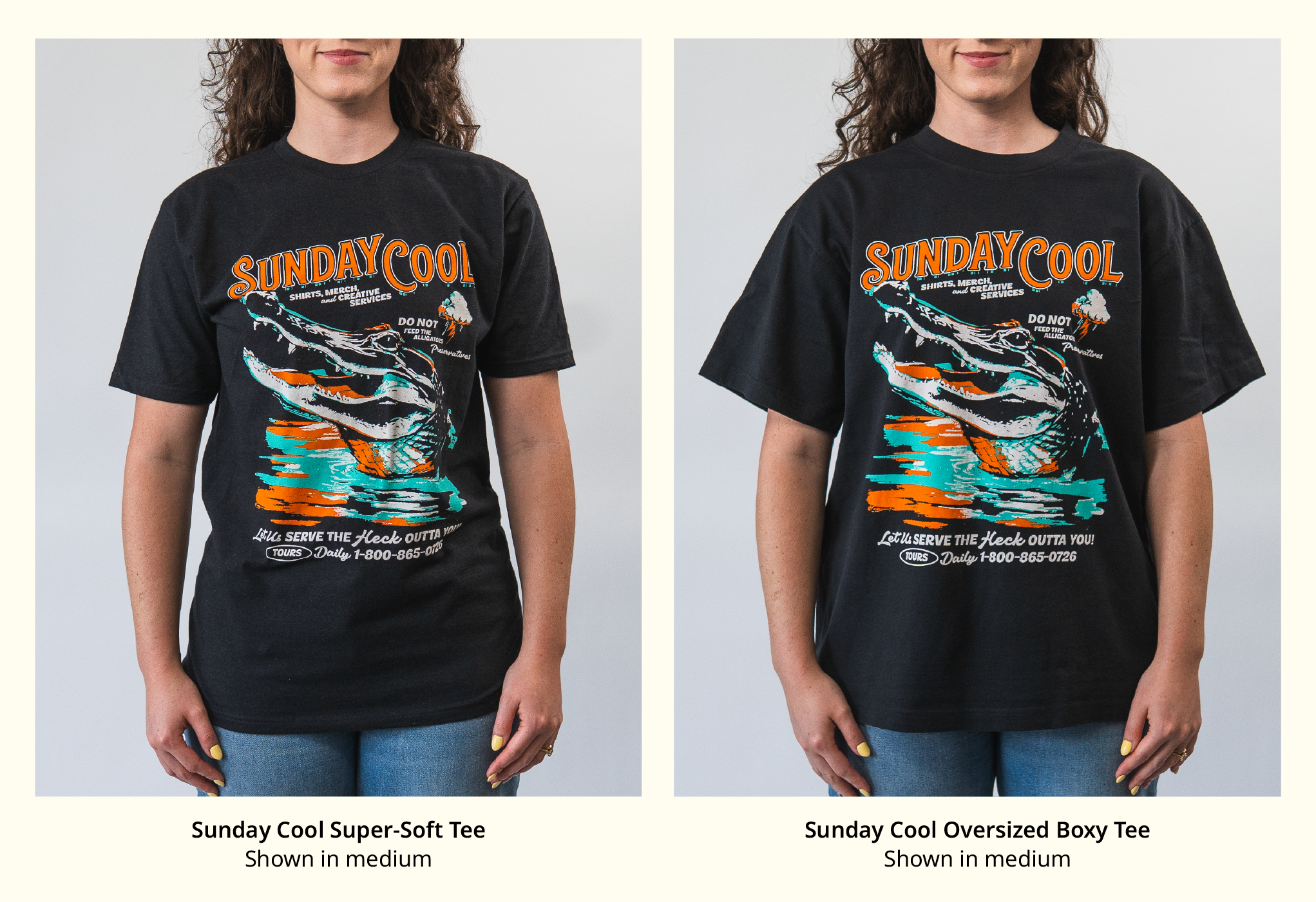
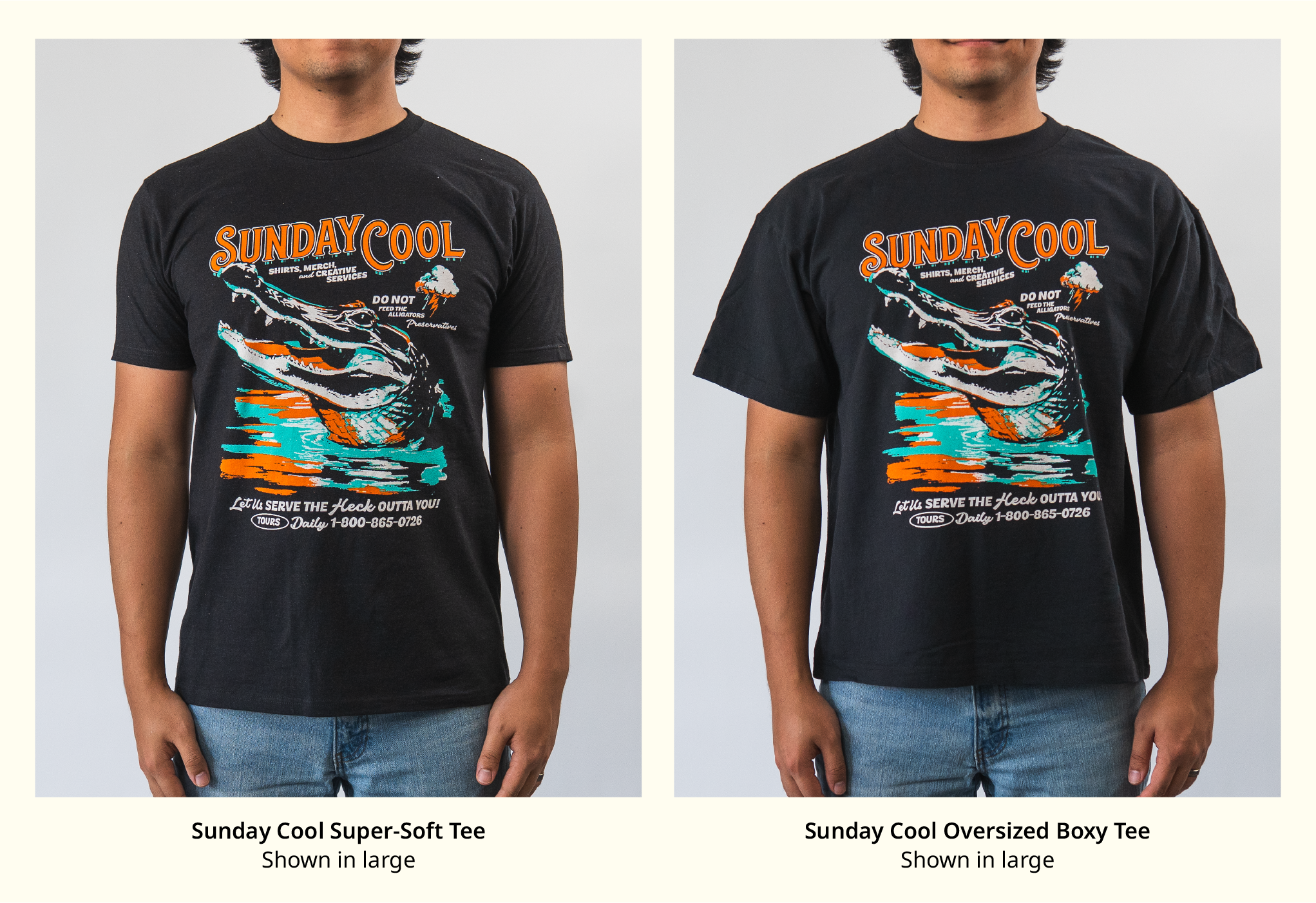
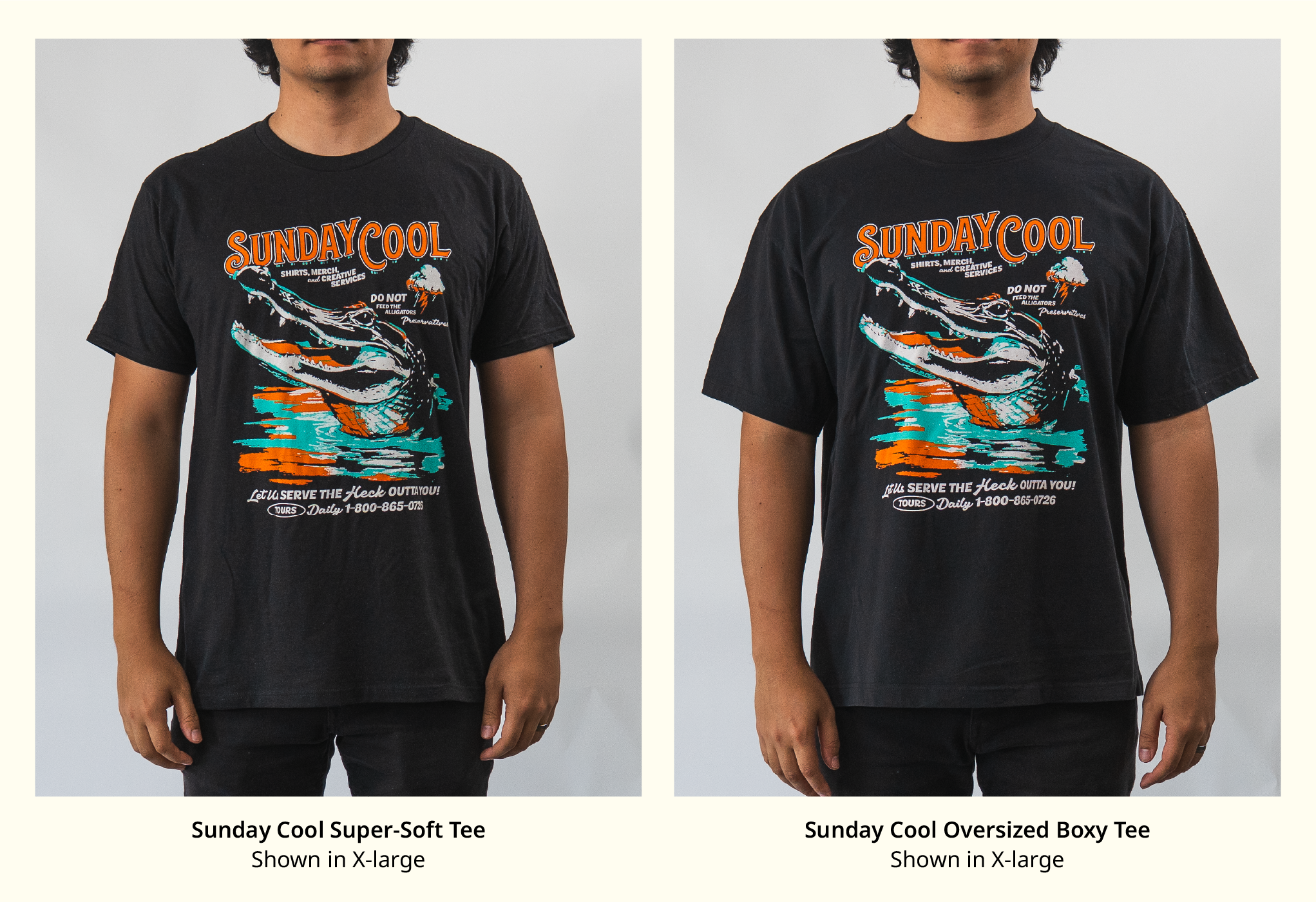
Both tees are great—it just depends on the look you’re going for.
If your vibe is clean and classic, the Signature Super-Soft Tee is your go-to. If you're leaning relaxed, bold, and a little oversized, the Oversize Boxy Tee is calling your name.
Ready to Start Your Next Order?
If you are planning shirts for camp, church, or any summer event, this is a solid place to start.
👉 Ready to Get Started? Start your custom order HERE
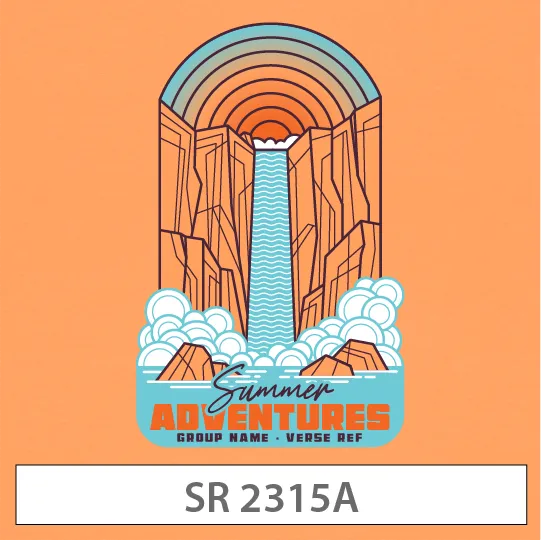
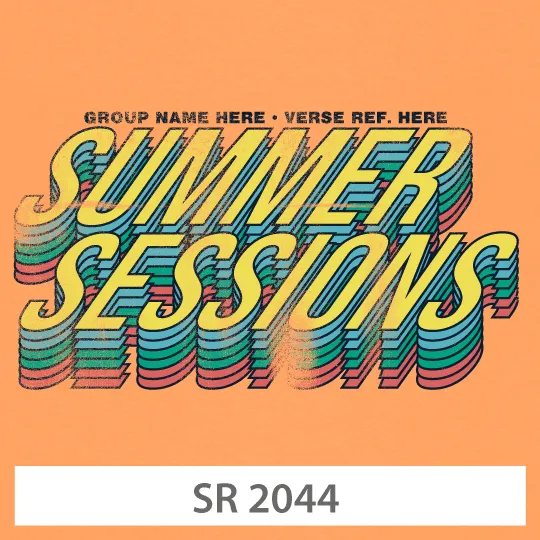
Retro-inspired designs are having a moment, and they fit camp perfectly.
Think warm tones, vintage fonts, and throwback layouts that feel fun without trying too hard. These are the kinds of shirts students actually keep wearing.
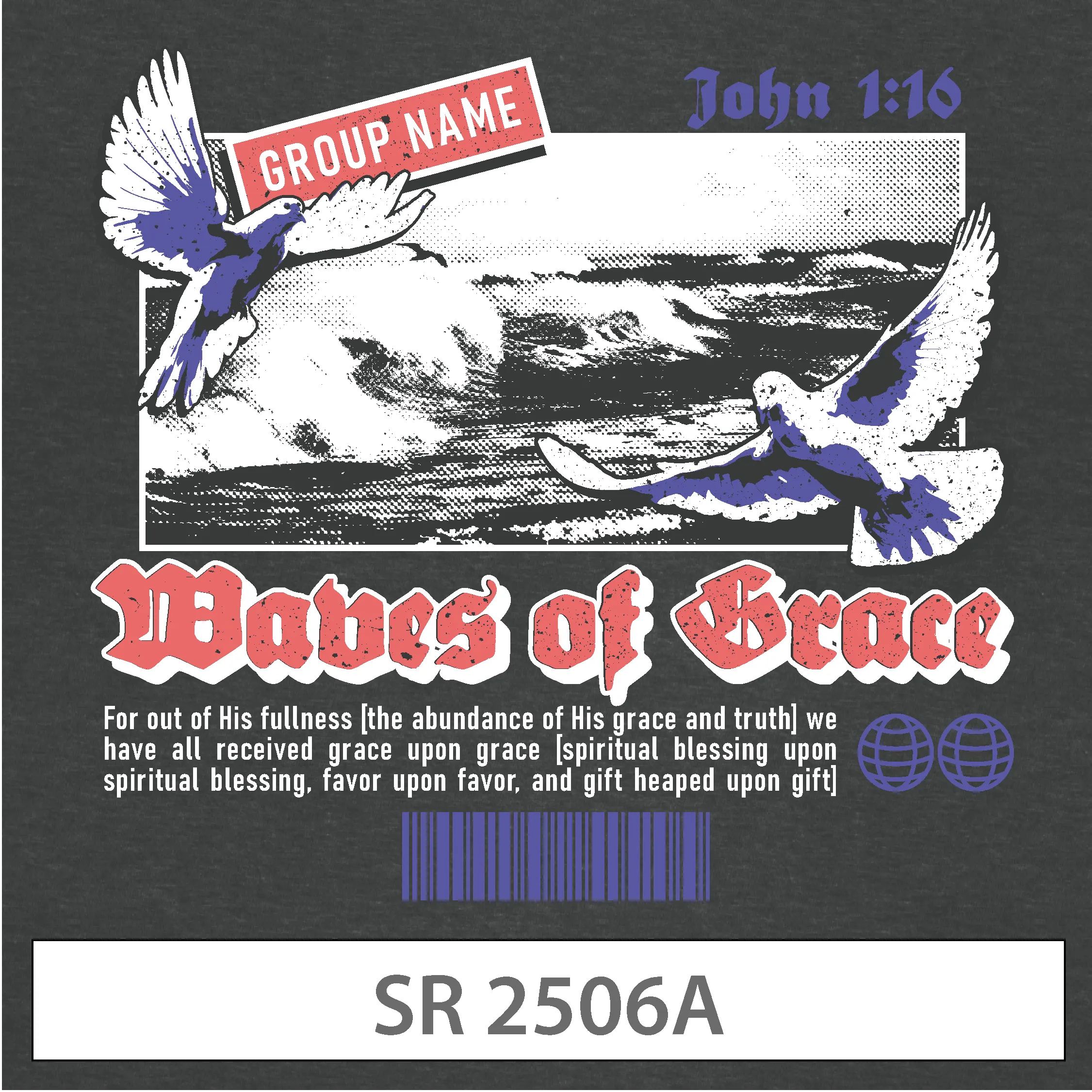
For many churches, the most meaningful shirts are rooted in Scripture.
Whether it is a full verse or a short phrase, these designs carry the message of camp beyond the week itself. The key is keeping it readable and wearable.
Some of the most worn designs are the simplest ones. Subtle graphics, clean layouts, and intentional spacing often lead to shirts that feel more versatile.
%201.avif)












.png)